Your Steam library.
On your Android.
Get DroidDeck, check your GPU, and bring Steam Big Picture to your Android phone or handheld.
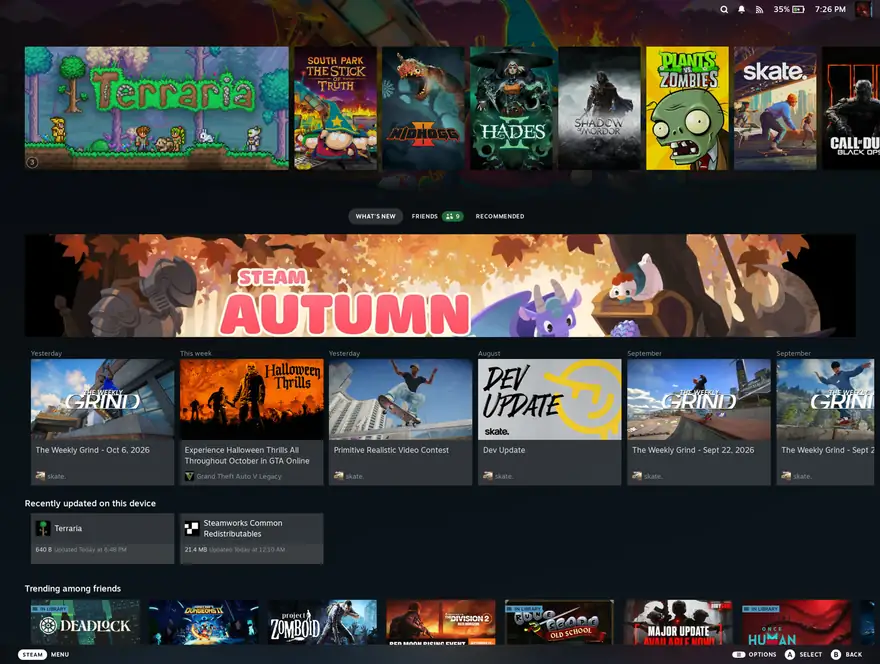
A few steps to Steam.
DroidDeck combines ARM64 Proton, FEX translation and Turnip drivers to run Steam Big Picture on Android.
- Get the APK from GitHub Releases
- Install the Linux runtime in the app
- Turn off Restrict child processes
- Press Play, then sign in to Steam
Released Oct 12, 2026
Download DroidDeckCheck the GPU first.
All devices| Device | GPU | Status |
|---|---|---|
| Samsung Galaxy S23 | Adreno 740 | supported |
| ASUS ROG Phone 8 | Adreno 750 | supported |
| AYN Odin 2 | Adreno 740 | supported |
| Retroid Pocket 5 | Adreno 650 | experimental |
A supported GPU meets the project’s requirements. It does not guarantee that every game will run. Adreno 6xx is experimental.
Get past the common roadblocks.
All fixesFind your game.
Game library
Cyberpunk 2077
not yet tested
GTA V
not yet tested
The Elder Scrolls V: Skyrim
not yet tested
Fallout: New Vegas
not yet testedPerformance and compatibility vary by game and device. Open a game page for the available report details.
Before you install.
All questionsWhat is DroidDeck?
DroidDeck is a free, open-source Android app that runs Steam Big Picture with ARM64 Proton, FEX translation, and Turnip drivers. It is licensed under GPL-3.0.
Where should I download the DroidDeck APK?
Download it from https://github.com/Droid-Deck/DroidDeck/releases. This guide links to the official GitHub Releases page and never hosts or mirrors an APK.
Does DroidDeck have an official website?
The official README says DroidDeck has no stand-alone website. The official source code and downloads are in the Droid-Deck/DroidDeck GitHub repository. This website is an unofficial guide.
Which Android version does DroidDeck require?
Requires Android 9 or newer. No root needed. The GPU must also meet the project's requirements.